I do not have a ILS Account yet
- Click “Join” on top menu Bar
- Select your desired membership and choose from available membership options
- Click “Add to Cart” Button
- Click “Proceed to checkout” Button
- Fill out the form accordingly and click “Place order“
- Done! You’ll have full access to ILS platform immediately.
Also, you get notified via Email with your order details including corresponding invoice as PDF.
Billing will start on 01.01.2026.
I already have an ILS Account
- Login with your ILS Credentials
- Visit our Memberships Store
- From there follow the instruction from above.
- Alternatively you can:
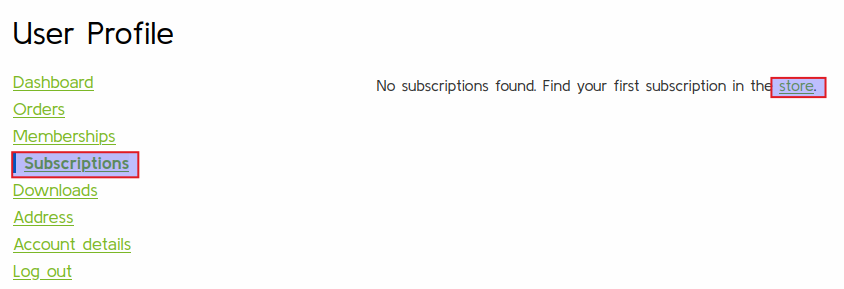
- Visit your user profile “My account”
- Click “Subscriptions” on left sided menu
- From there go to the Store
My Credit Card expired – How to i change it
- Login with your ILS Credentials
- Visit your Subscription
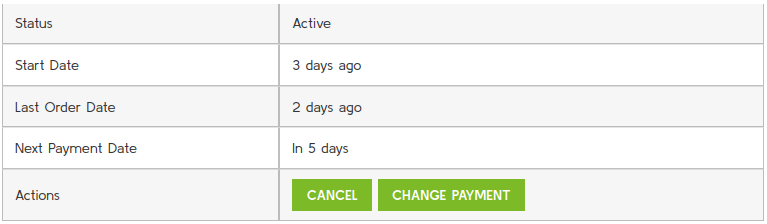
- In table column “Actions” click “View“

- On following detailed view click “Change Payment” and follow the given instructions
You also can see there the current Status of your Membership, last payments and next payment time.